Gravity Forms ships with add-ons for the most common tools. When your CRM, payment gateway, file workflow, or internal system is not one of them, a custom add-on is how you close the gap without rebuilding the form on a different platform.
The native add-on library covers a solid range of tools - HubSpot, Stripe, Zapier, Slack, Mailchimp. For most WordPress teams that is enough. The gap shows up when your stack includes a CRM with no official add-on, a payment processor outside the supported list, a file routing requirement the upload field cannot meet on its own, or an internal system that expects a specific REST API payload Gravity Forms cannot send natively.
At that point, the usual workaround is Zapier or a webhook. Those work for straightforward hand-offs. They start to break down when the requirement involves two-way sync, complex conditional logic at the integration layer, file handling beyond a URL, or a payload structure the destination cannot parse from a generic webhook. A custom add-on is the right tool when the connection needs to behave like a native part of Gravity Forms, with its own feed, its own settings, and its own conditional logic sitting on top of the submission.
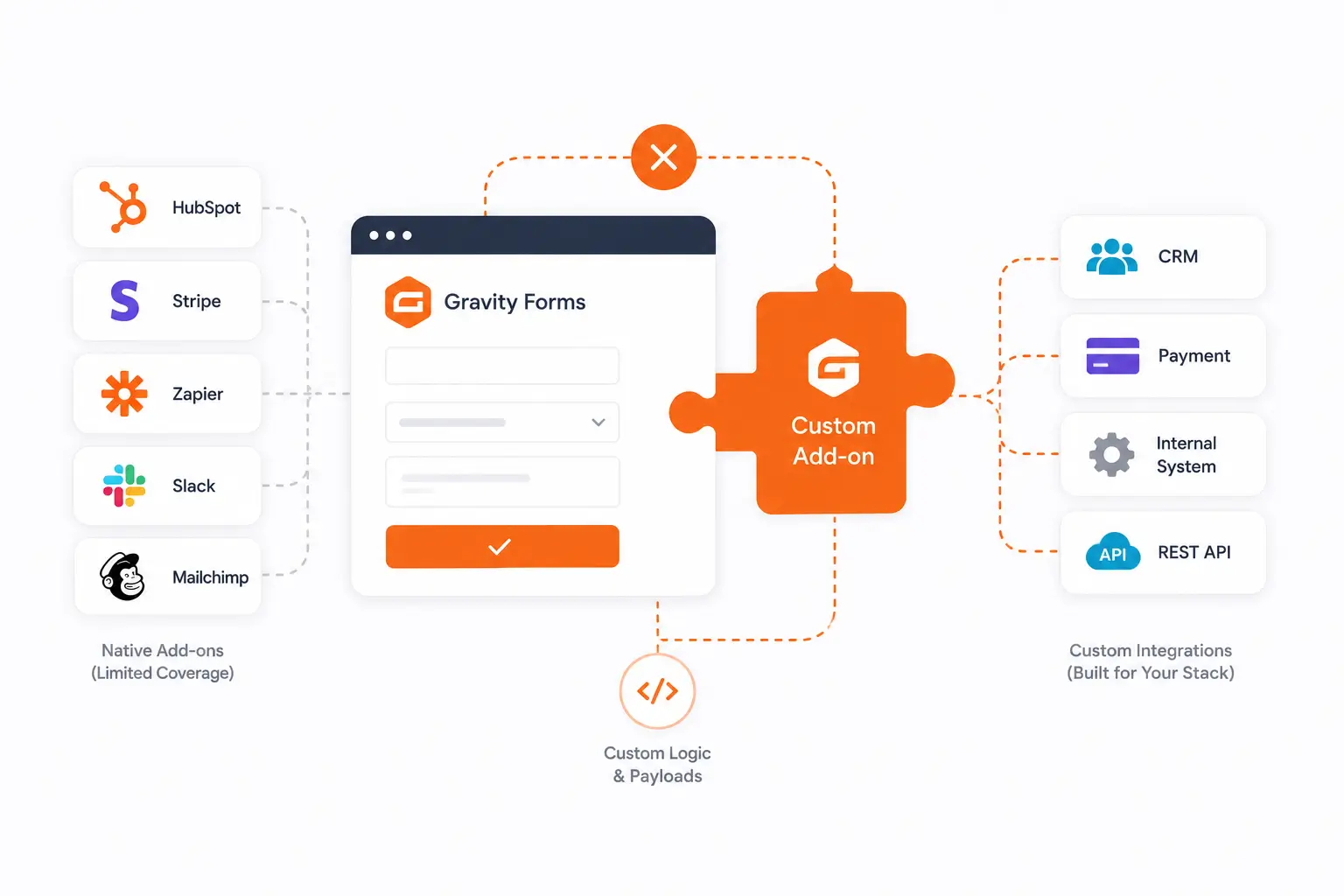
When your CRM has no native add-on and Zapier lacks the field control or two-way sync you need, we build the feed, field map, conditional logic, and sync so entries create or update CRM records with deduplication, owner assignment, and pipeline routing built in.
Stripe, PayPal, and Square have native add-ons. When your processor sits outside that list, or the native add-on lacks the transaction type or post-payment routing you need, we build a custom payment feed with conditional charge logic so each transaction lands in your CRM with its details intact.
The upload field stores files in WordPress and returns a URL. When your process needs files routed to a cloud drive, DocuSign, PandaDoc, or an internal system with access rules, we intercept the file at submission, route it correctly, and keep its location tied to the entry.
When the Webhooks add-on cannot shape the payload an API expects, a custom add-on gives you a clean, maintainable connection with its own settings panel, feed, conditional logic, and error handling, so it behaves like a native add-on rather than a webhook to reverse-engineer.
Not every gap in native add-on coverage needs a custom add-on. Before scoping one, it is worth being clear on which solution the problem actually calls for.
When the native add-on for your tool does not exist, or exists but cannot handle the field mapping, two-way sync, or file routing your process requires.
Yes. If the CRM has a REST API, we build a native Gravity Forms add-on with its own feed, field map, conditional logic, and sync, with no Zapier dependency.
We build to the Gravity Forms Add-On Framework, which is the same base the official add-ons use, so updates follow the same compatibility path as native add-ons.
The Webhooks add-on sends a payload to a URL. A custom add-on gives you a feed with its own settings, conditional logic, and error handling, built to the specific integration.
Yes. We audit the code, document how it works, and take over maintenance or extend it, whether we wrote it or not. We do not need to have built the original.
Tell us where the native layer stops and what your process needs past it. We will scope whether a custom add-on is the right fix or whether automation handles it, before any build work starts.
