Your form submits, but the data does not reach your CRM, payment, or email tools. We build and fix Gravity Forms integrations for WordPress teams, so every entry routes to the right tool through a feed that is mapped correctly and tested to hold.
If your team is exporting entries to CSV and pasting them into your CRM, or scrolling the entries list to see what came in, the integration layer is doing nothing for you. That is the most common thing we see: a form that collects fine, but a feed that never fires, a webhook missing half the payload, or a sync that broke silently three weeks ago and nobody noticed until a lead went cold.
Gravity Forms can push data almost anywhere through its feeds, its add-ons, and the Webhooks add-on for custom REST API payloads. The problem is rarely the form itself. It is the connection, the field map, and the conditional logic sitting on the feed. We build that layer so each submission reaches the right destination automatically, with the right fields, every time, and your team stops touching a CSV.
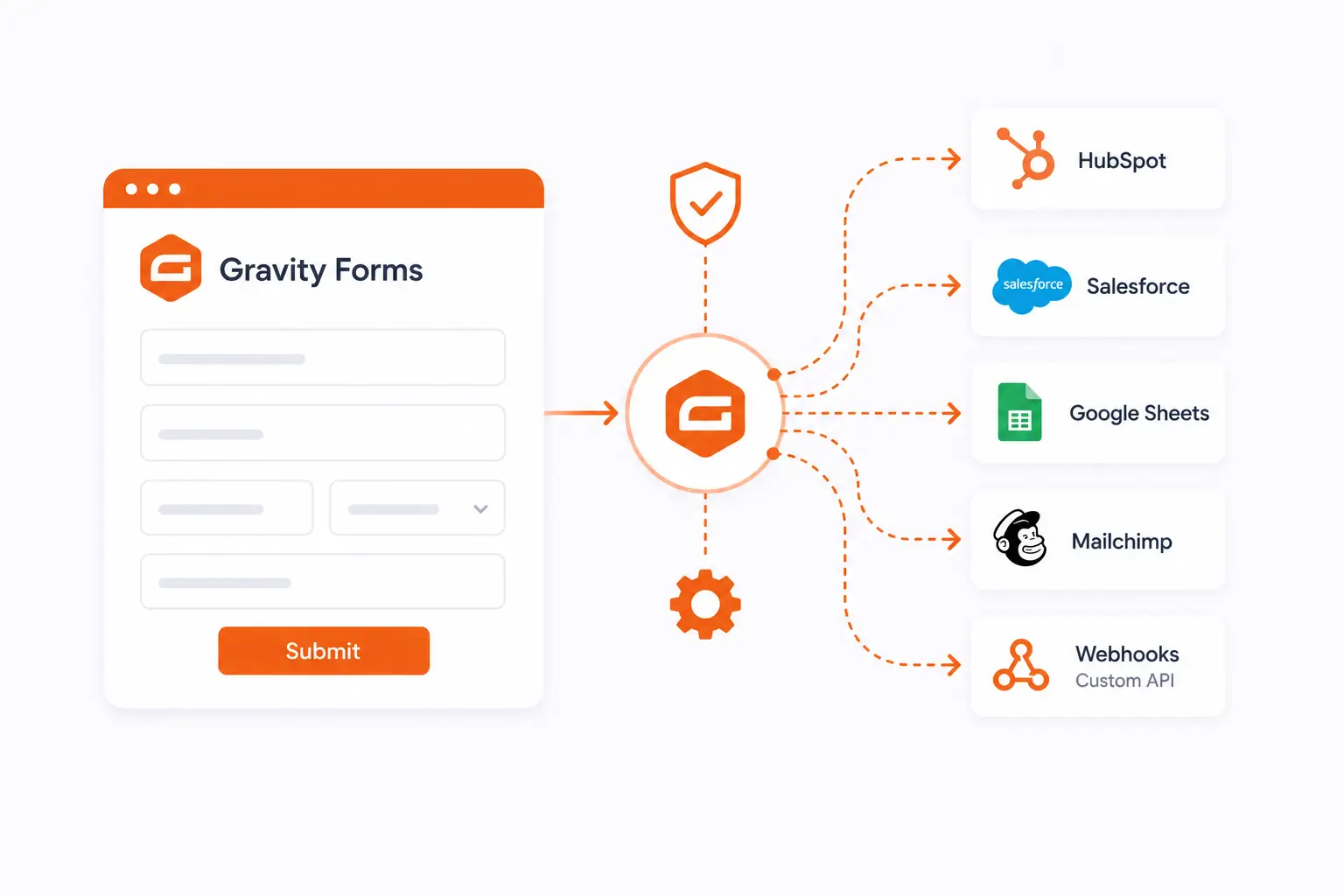
Your forms should not create extra work after someone hits submit. We connect Gravity Forms to tools like HubSpot, Pipedrive, ActiveCampaign, Stripe, and Slack, with the right feeds, field mapping, and webhooks in place.





Push each submission straight into HubSpot, Zoho, or Pipedrive as a qualified contact or deal. We handle field mapping, lead scoring, conditional routing, and two-way sync so your CRM and forms stay aligned without manual entry.
Connect Gravity Forms to Stripe and Square for one-time or recurring payments. We set up the feed, conditional pricing logic, and submission triggers so charges, entries, and receipts stay in sync and every transaction is logged.
Turn form entries into triggered actions across your stack. We map submissions to automation feeds in Zapier and your CRM, set branching logic by entry data, and add fallback and retry handling so qualified leads always reach the right sequence.
Route submissions to Slack and SMS the moment they land. We build triggers that send the right entry to the right channel, with conditional notifications, hand-off rules, and escalation paths so nothing waits in a queue unseen.
Sync Gravity Forms with Klaviyo, Mailchimp, and ActiveCampaign. We map fields to the correct lists and tags, set conditional opt-in logic, and configure two-way sync so subscriber data stays accurate across every submission.
1
We document every tool the form connects to, the fields each tool expects, and the conditional logic that controls when each feed fires. This becomes the spec the build follows.
2
Each feed is built to spec. Field mapping connects every entry field to its downstream property. Webhook payloads are structured to match the receiving tool's expected format.
3
Every feed, notification, and webhook is tested with live submission data. We verify entries reach their destination, field values are correct, and conditional logic fires when it should.
4
You receive a documented integration map covering every feed, field mapping, and conditional logic rule. If a plugin updates or a CRM property changes after go-live, the documentation shows exactly where to look.
Usually it is conditional logic on the feed blocking the entry, a field map that does not match what the CRM expects, or an add-on connection that lapsed. We trace the path from entry to destination and fix the actual cause rather than the symptom.
Yes. A feed that silently stopped firing or a webhook that started arriving incomplete is one of the most common things clients bring us, whether we built the original setup or not.
If a native add-on covers your tool and the fields you need, that is the cleaner route and we will use it. When you need a custom payload, a tool with no add-on, or nested data the native feed cannot send, the Webhooks add-on or a REST API connection is the right call. We will tell you which one your case needs.
Almost always. Between Zapier, the Webhooks add-on, and direct REST API work, if the tool has a way in, we can route your entries to it. Tell us the tool and we will confirm.
Yes. Multi-page forms and feed-level conditional logic are exactly where these integrations tend to break, so we configure and test them deliberately, including notification and feed routing across pages.
Tell us what you are trying to connect and where it is breaking now, and we will scope the fix. Boris and the team have built and repaired 500+ form systems since 2017, so the feed, payload, or routing problem you are hitting is one we have very likely solved before.
