We configure Jotform setups that work end-to-end: fields, logic, notifications, payments, file uploads, integrations, and workflow triggers. Every submission reaches the right system, triggers the right action, and requires no manual handling.
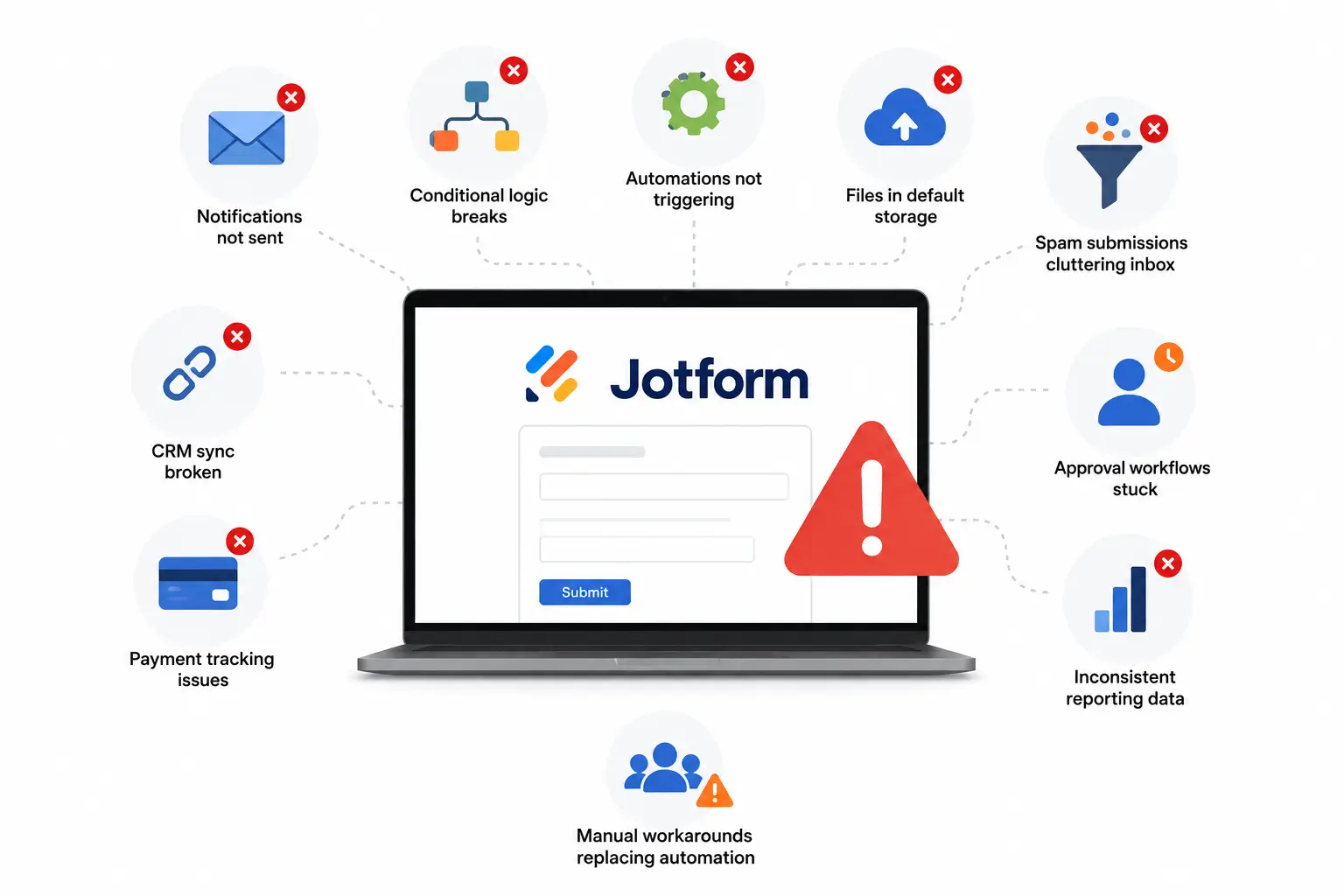
Most configuration problems are not obvious until a process that should run automatically requires manual intervention. Common indicators include:
All of these signal that your Jotform configuration is not performing as intended.
We configure every field type: text, dropdown, date, number, file, signature, calculation, and hidden. Required fields, character limits, format validation, and default values are set so submissions arrive complete and correctly structured.
We configure conditional logic for field visibility, page branching, email routing, and workflow paths based on respondent answers. Logic built for simple cases often breaks under real submissions. We test every path and fix what fails.
We configure your form's layout, theme, fonts, and colors to match your brand. A form that looks inconsistent with your site creates hesitation. We align the visual presentation with what the respondent expects to see.
We configure how your form is accessed: embedded on a page, shared via link, pre-filled via URL parameters, or restricted to logged-in users. Embed code, iframe settings, and URL pre-fill logic are set for every context.
We configure confirmation emails to respondents, team alerts, and conditional notifications that route based on submission content. Sender address, subject lines, and recipient logic are set so every email arrives and reaches the right person.
We configure submission limits, CAPTCHA, spam filters, password protection, and IP restrictions. For forms collecting sensitive data, we apply HIPAA-compliant settings and data encryption within your Jotform plan.
1
Configure text, dropdown, date, file, signature, calculation, and hidden fields with proper validation, defaults, and requirements.
2
Set up field visibility, page branching, email routing, and workflow logic, then test every path.
3
Match the form layout, colors, fonts, and styling to your brand.
4
Configure embeds, share links, pre-filled URLs, and user access restrictions.
5
Set up confirmation emails, team alerts, and conditional notification routing.
6
Configure CAPTCHA, spam protection, submission limits, password protection, and data security settings.
Jotform configuration is the setup of every layer that controls how your form behaves after it is built: fields, conditional logic, notifications, payments, file uploads, integrations, and workflow triggers. A form that looks complete can still be misconfigured if any of these layers are not set up correctly.
Yes. We review your autoresponder setup, team notification routing, conditional recipient logic, and sender email configuration. If emails are not arriving, routing incorrectly, or triggering for the wrong submissions, we identify the exact configuration causing the issue and fix it.
Yes. We configure payment fields, connect your gateway (Stripe, PayPal, or Square), set up order summaries and receipts, and map the product and form field data that needs to reach your payment processor so your finance team can reconcile without manual lookups.
Yes. We configure conditional logic for field visibility, page branching, email routing, calculation triggers, form endings, redirect URLs, and workflow paths. If your existing logic is producing incorrect behavior under certain submission patterns, we audit every path and rebuild what is broken.
Yes. We configure upload fields with the right file type restrictions and size limits, route uploaded files to Google Drive, SharePoint, Dropbox, or your preferred storage, apply naming conventions from submission field data, and handle authentication requirements for downstream access.
Yes. We configure the integration feed for HubSpot, Salesforce, Pipedrive, Zoho, ActiveCampaign, or any connected CRM: mapping each Jotform field to the correct CRM property by data type, setting conditional feed logic, enabling deduplication, and passing hidden field values like source, campaign, and UTM data so your CRM records are complete from the first sync.
Both. We work with brand new accounts being set up from scratch and existing accounts that need restructuring or cleaning up. In both cases, we start with an audit of what exists before making any changes.
We plan every change carefully before touching anything live. In most cases, existing forms are not affected. Where changes do affect live forms, we agree on a plan with you in advance and handle the transition without disruption.
Most configuration projects are completed within three to five business days, depending on the size of your team and the complexity of your workspace. We give you a clear timeline before we begin.
Tell us about your current setup and what you are trying to achieve. We will review your requirements and walk you through exactly what needs to be configured before your team starts building.
